Routes
Routes
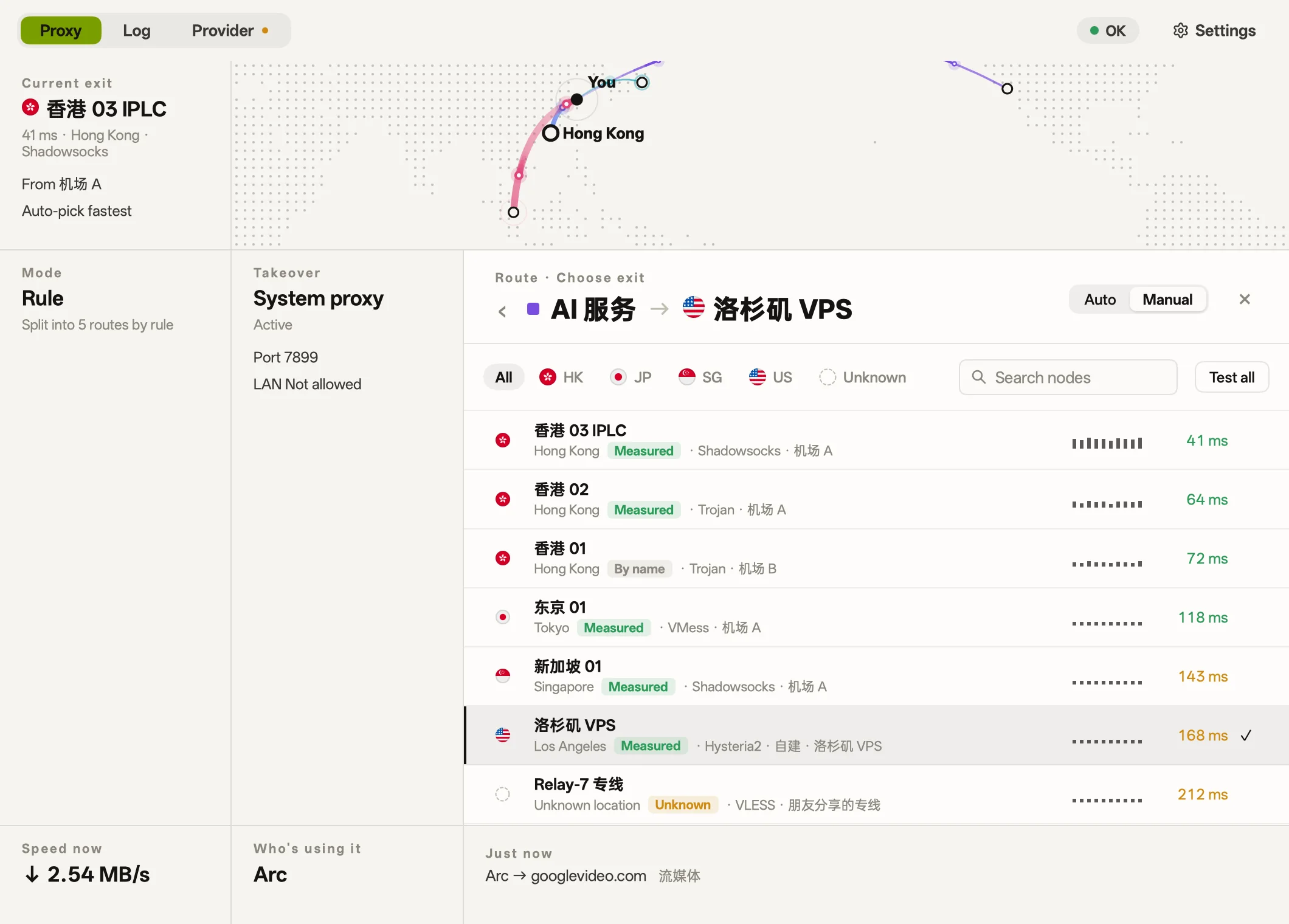
Group traffic by purpose like AI or streaming, and choose an exit node for each route.
- Default
- AI services
- Streaming
- Development
- Direct
 bowel
Connect two worlds
Manage nodes, routes and rules, see every connection, and choose from thirteen skins.
Or install with Homebrew
$ brew install --cask 21stware/tap/bowelmacOS 12 or later, Apple silicon. Signed with a Developer ID and notarized by Apple.
Or run in PowerShell
> irm https://github.com/21stware/bowel/releases/latest/download/install.ps1 | iexThe installer isn't code-signed, so Windows may warn you before it runs.
On Debian, Ubuntu and Fedora, run in a terminal
$ curl -fsSL https://21stware.github.io/packages/install.sh | shOr download a packageamd64 .deb.rpm.tar.gzarm64 .deb.rpm.tar.gz
The command above adds a signed repository, so apt or dnf keeps bowel up to date. For a user install in ~/.local, download the separate install.sh and .tar.gz from the same release, then run sh install.sh bowel-<version>-linux-<arch>.tar.gz without unpacking the archive.
Android 8.0 or later, arm64. Allow your browser to install apps if asked. Android asks for VPN permission the first time you connect.
macOS, Windows, Linux and Android · Free · Screenshots from macOS
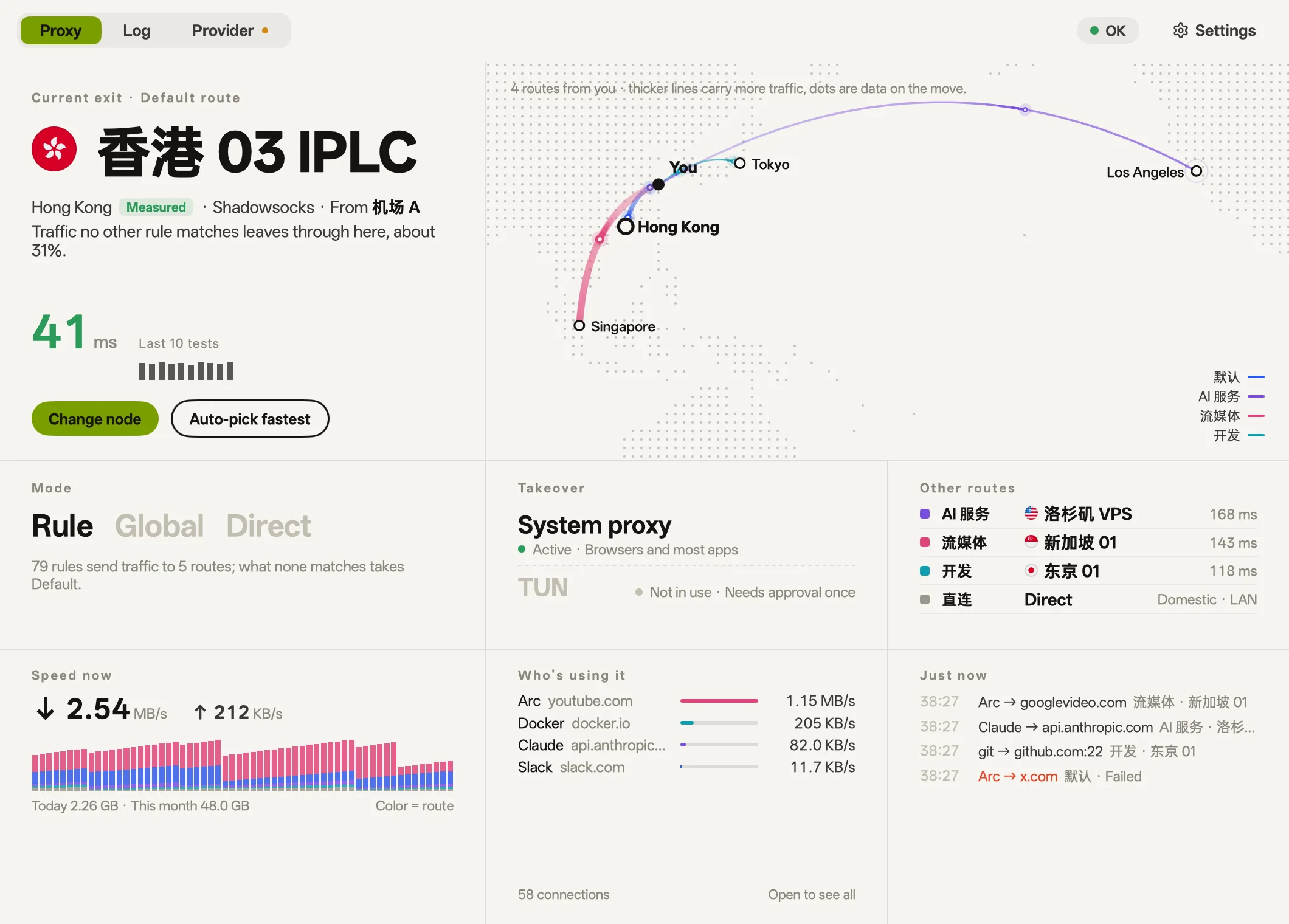
Skins
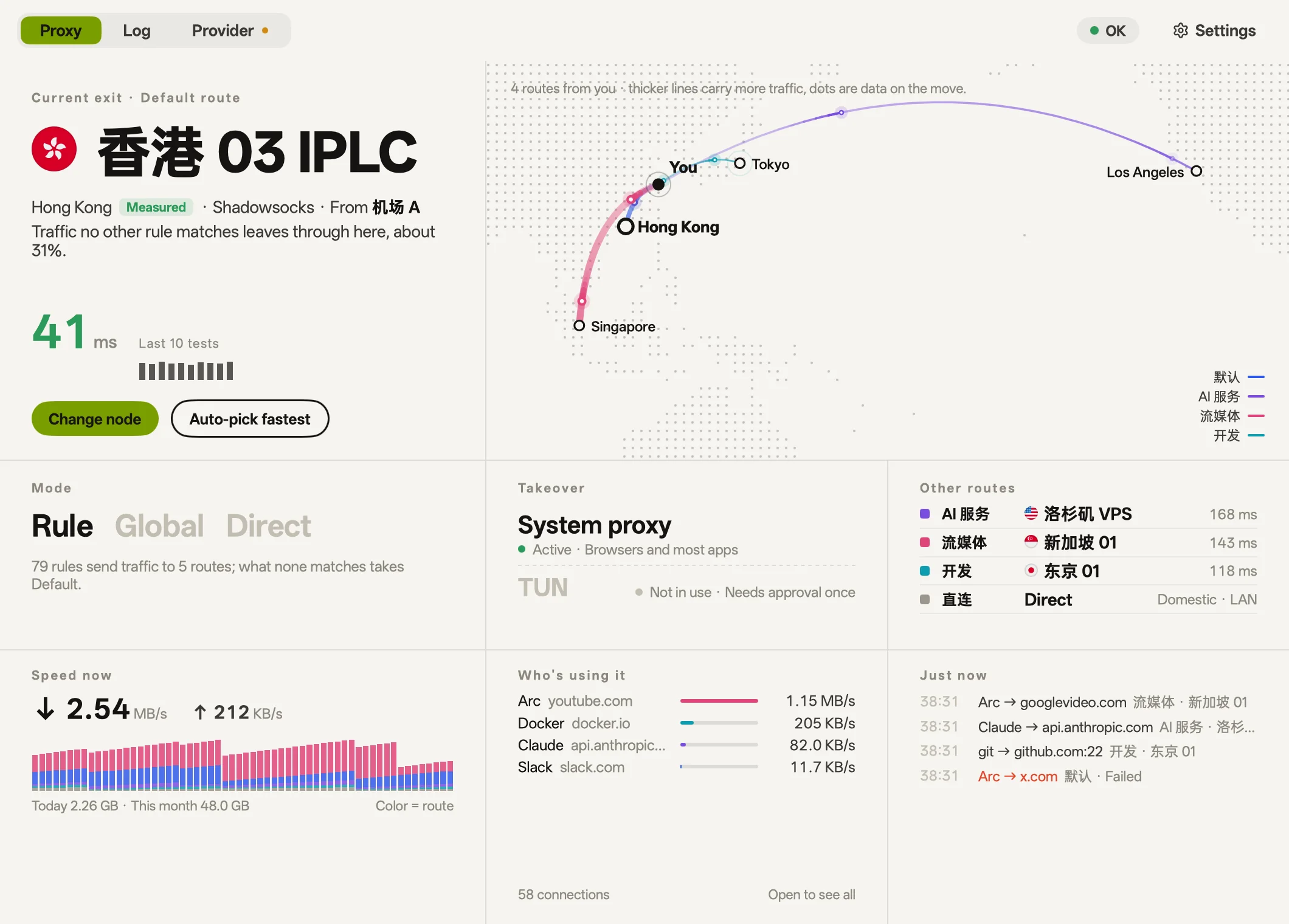
Colors, typography, corners, and texture all change together, while core features stay identical.
Warm white paper and deep ink, quiet and minimal Newsprint paper, serif headlines, and vermilion touches Vintage green phosphor terminal: monospace, scanlines, and hard corners Glowing magenta and cyan over deep midnight purple Engineering blue, background grid, and technical type Cherry blossom pink, soft corners, and falling petals Rice paper, serif headlines and seal red, with hills fading into mist Pale green glaze, serif headlines and a fine crackle A mural's ochre, azurite, malachite and cinnabar An indigo sky sinking to a line of warm light Curtains of green and violet over a polar night, with a few stars True black, hairlines and one ember of orange Risograph print: blue ink, fluorescent pink and halftone dots
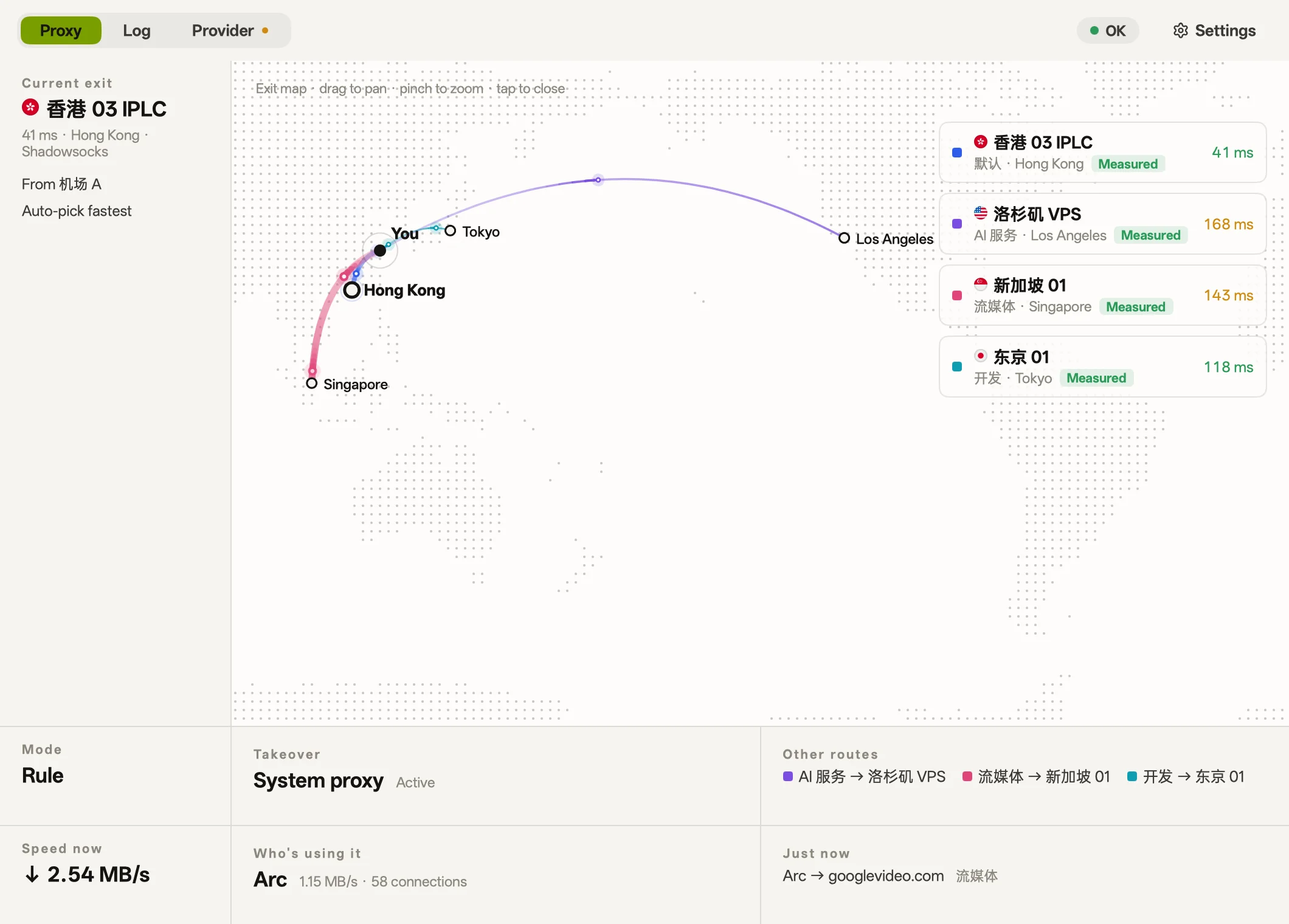
Routes
Group traffic by purpose like AI or streaming, and choose an exit node for each route.
Exit locations
Queries Cloudflare through each node to measure its actual exit location.
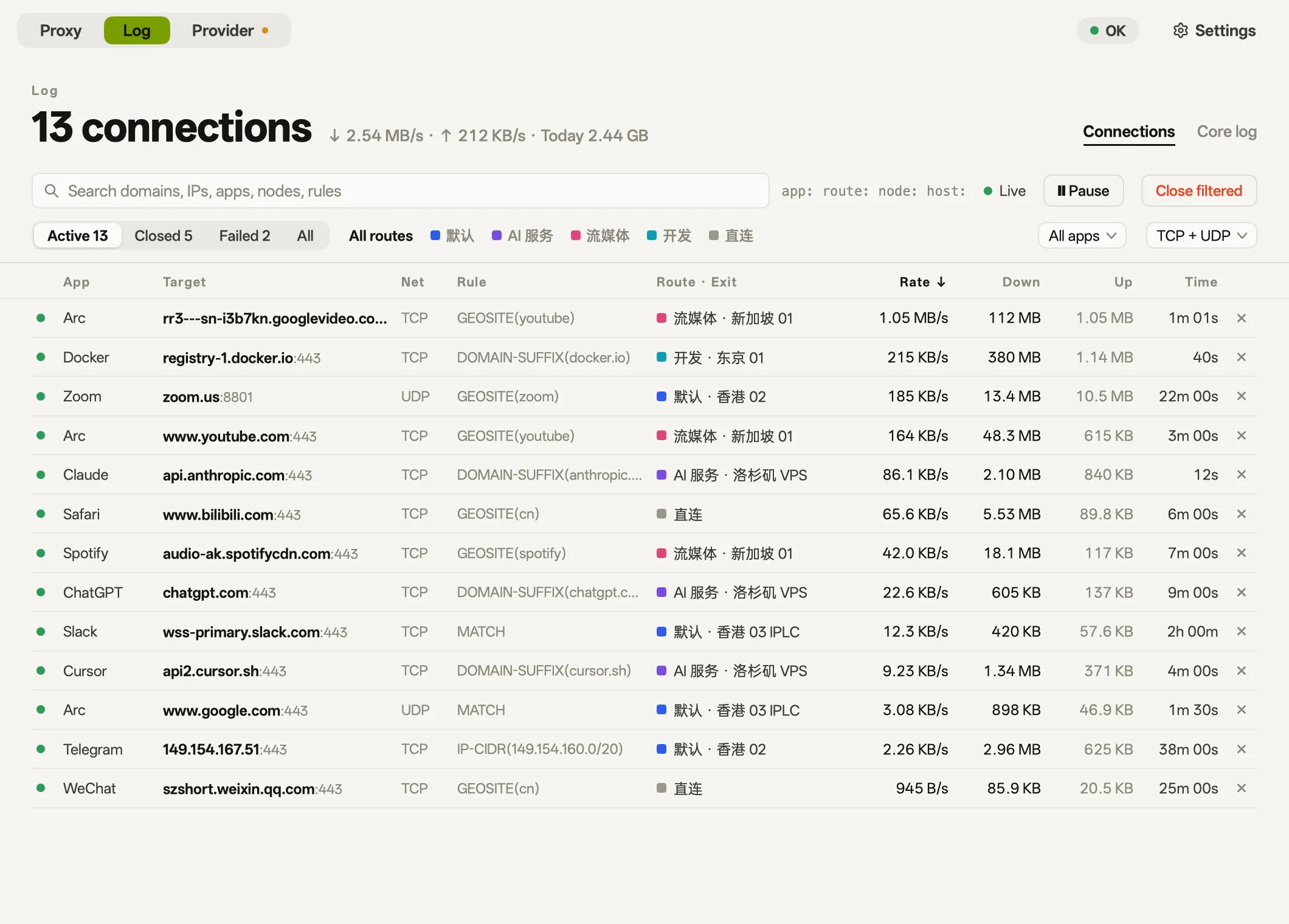
Activity
View live connections and traffic by app, and adjust routes on the fly.
api.openai.com → openai.com → AI services
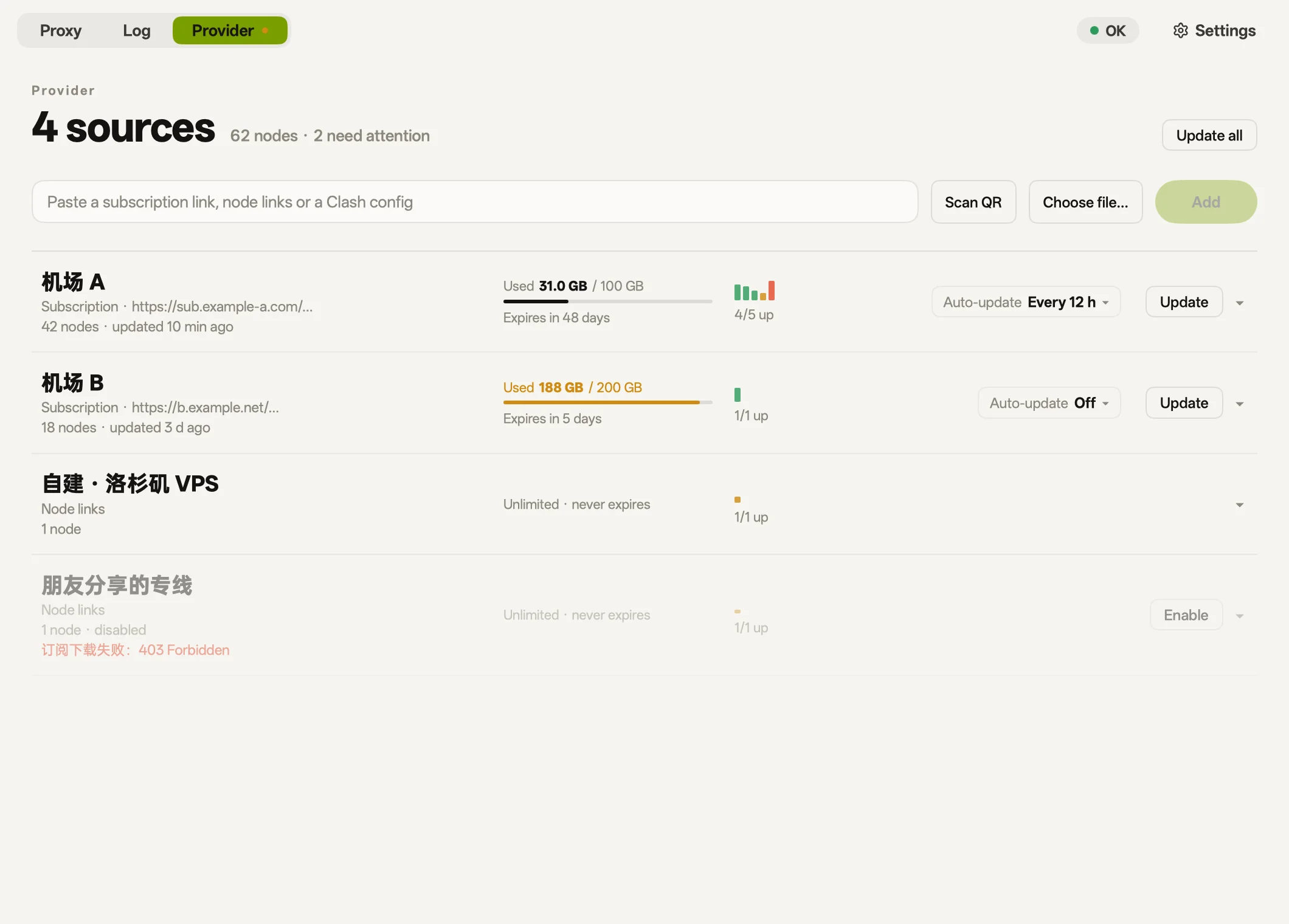
Provider
Import nodes via subscription URLs, node links, config files, or QR scans.
vmess:// · vless:// · trojan:// · ss:// · hysteria2:// · tuic://
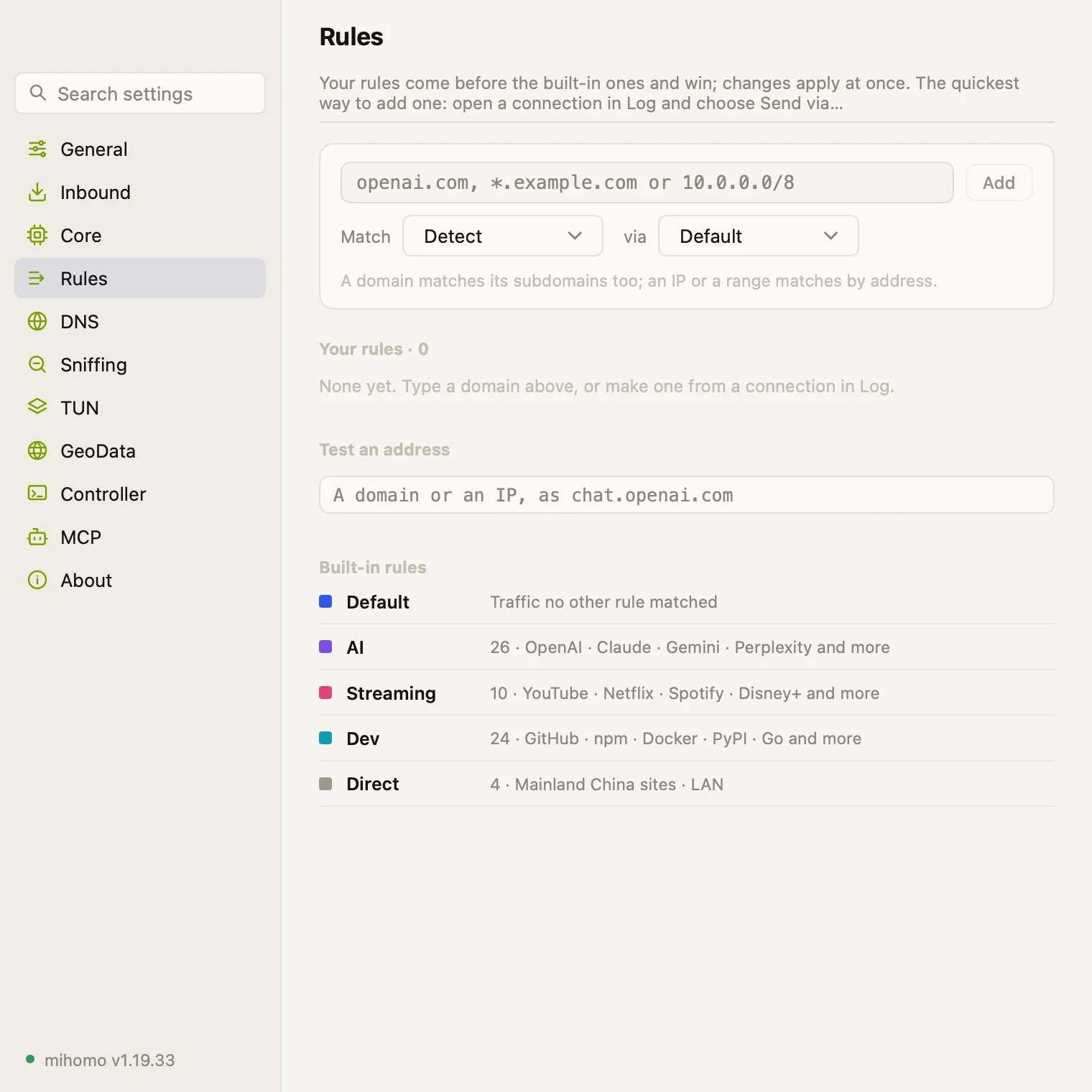
Rules
Add rules by domain, keyword, or IP block, and test routing directly.
MCP
Includes a built-in MCP server for agents to inspect status, and asks for confirmation by default before changing settings. The command below is for macOS; on Windows and Linux, use the path of the bowel program. The Android app has no MCP server.
$ claude mcp add --scope user bowel -- \
    /Applications/bowel.app/Contents/MacOS/bowel mcp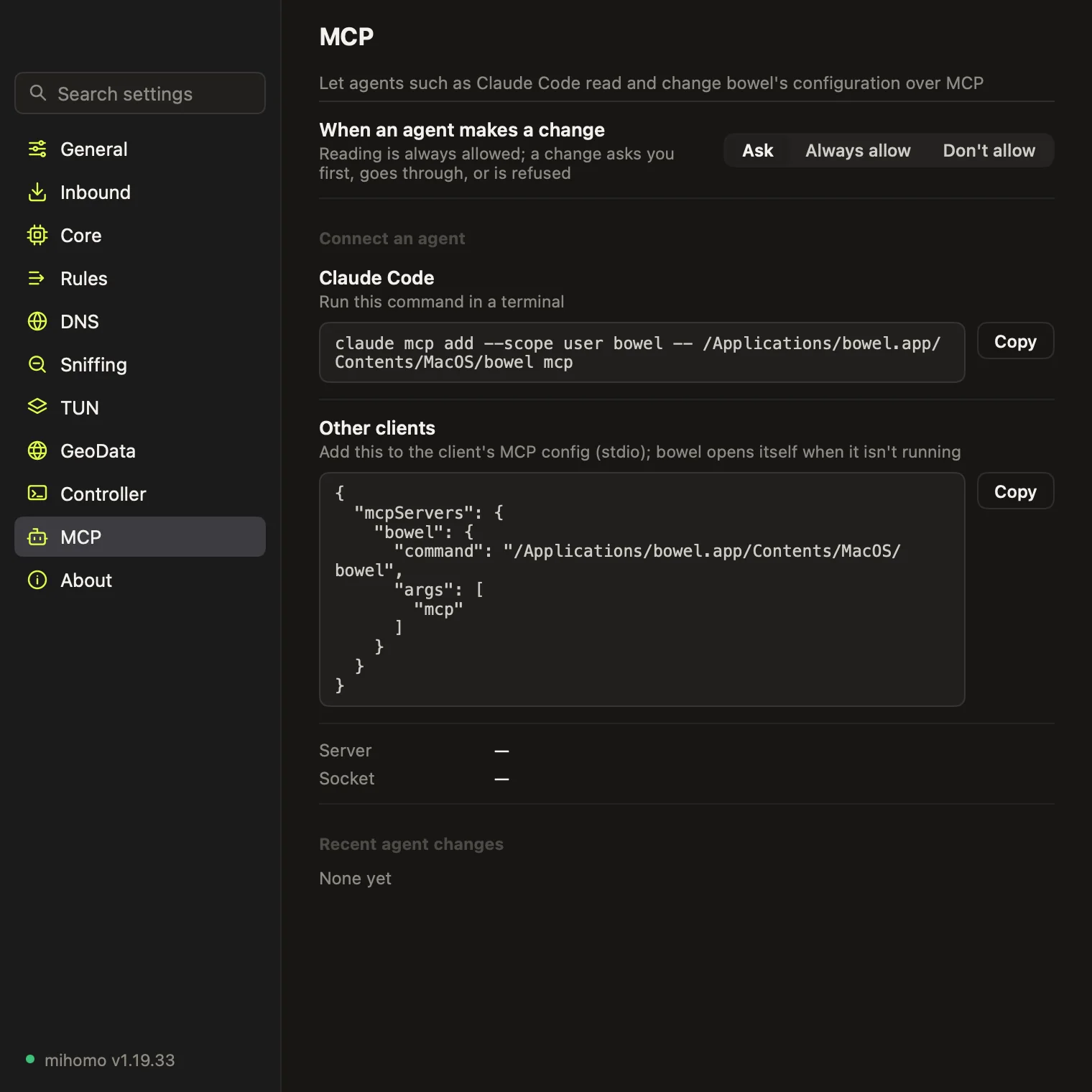
Turn this Mac into a local gateway for your TV, phone, or console.
Route traffic from apps that bypass system proxies, requiring admin permission once.
Docker, the terminal and Git ignore the system proxy. bowel lists which ones aren't connected, writes their own config in one click, and removes it cleanly when you undo.
Measures the official source and each mirror for npm, pip, Go and Cargo, and switches in one click. When the current source stops answering, one click moves you to the fastest one that does.
Addresses on your LAN, Tailscale and company VPN go direct automatically, in global mode too.
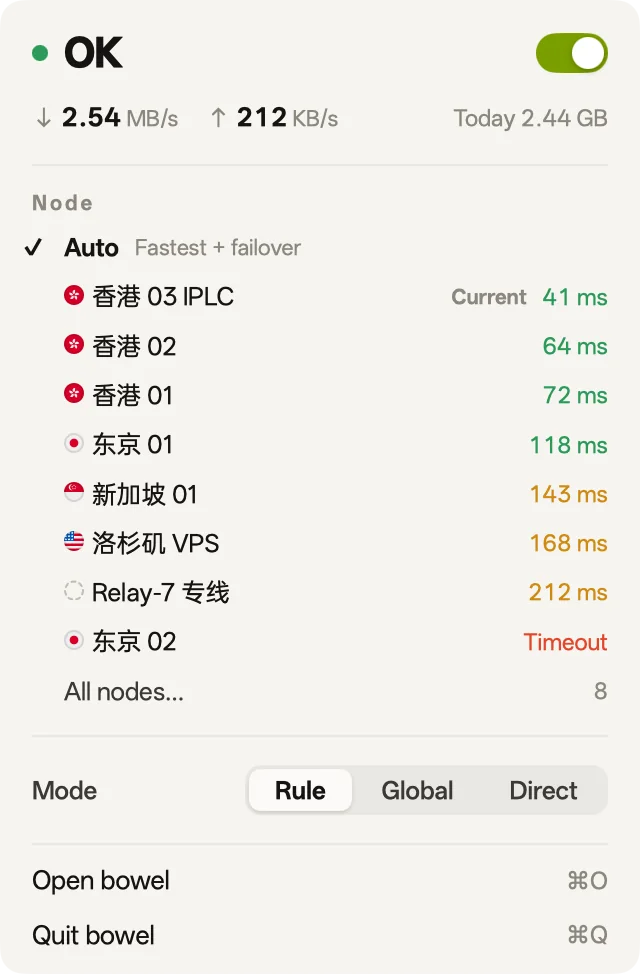
Switch proxy status, modes, and exit nodes from the menu bar, or the system tray on Windows and Linux, without jittery speed numbers.
The desktop interface is written in Go and rendered directly by the GPU, with no WebViews. The Android app uses Flutter and has the same cards and skins.
On desktop, press ⌘F (Ctrl+F on Windows and Linux) to search across all settings.
简体中文 · 繁體中文 · English · 日本語
Free · iOS is not released yet
Then add a Provider (a subscription URL, node links, or a QR code) and turn on takeover.
| macOS | Windows | Linux | Android | |
|---|---|---|---|---|
| Takeover | System proxy or TUN | System proxy | Manual | System VPN |
| Gateway mode | Yes | No | No | No |
| Scan QR codes with the camera | Yes | No | No | Yes |
| MCP server | Yes | Yes | Yes | No |
bowel can't set the system proxy on Linux yet, so point your applications at its mixed port, 7899 by default. On Android, you can choose apps that stay outside the VPN.